
Download Tips Minecraft Pocket Edition – Minecraft Tips, Game Hacks, Pocket Edition Guide
Overview
Tips Minecraft Pocket Edition is a free Android application designed to assist players of the popular sandbox game Minecraft: Pocket Edition. The app serves as a reference tool, offering guidance and strategies to enhance gameplay experience. It caters primarily to casual and intermediate players who seek to improve their skills, understand game mechanics, and discover hidden features within the mobile version of Minecraft. The software does not modify gameplay or interact with the game files directly; instead, it provides curated content focused on tips, tricks, and gameplay advice.
Developed by Garengpung, the app is part of the 'Blog' category on Android, suggesting it functions as a digital content platform rather than a traditional utility. It is tailored for users interested in optimizing their survival mode, mastering crafting systems, or learning efficient mining techniques. The app is available in English and supports Android 4.3 and above, making it accessible to a wide range of mobile users.
Real-world usage scenarios include using the app during gameplay breaks, preparing for new challenges, or studying advanced strategies before entering multiplayer servers. The developer did not provide additional details about the app’s content structure or update frequency. As of the last update, the app has been downloaded 53,271 times, indicating moderate interest within the Minecraft mobile community.
Key Features & Capabilities
- Gameplay Tips & Tricks – Offers practical advice on survival strategies, mob behavior, and effective resource gathering.
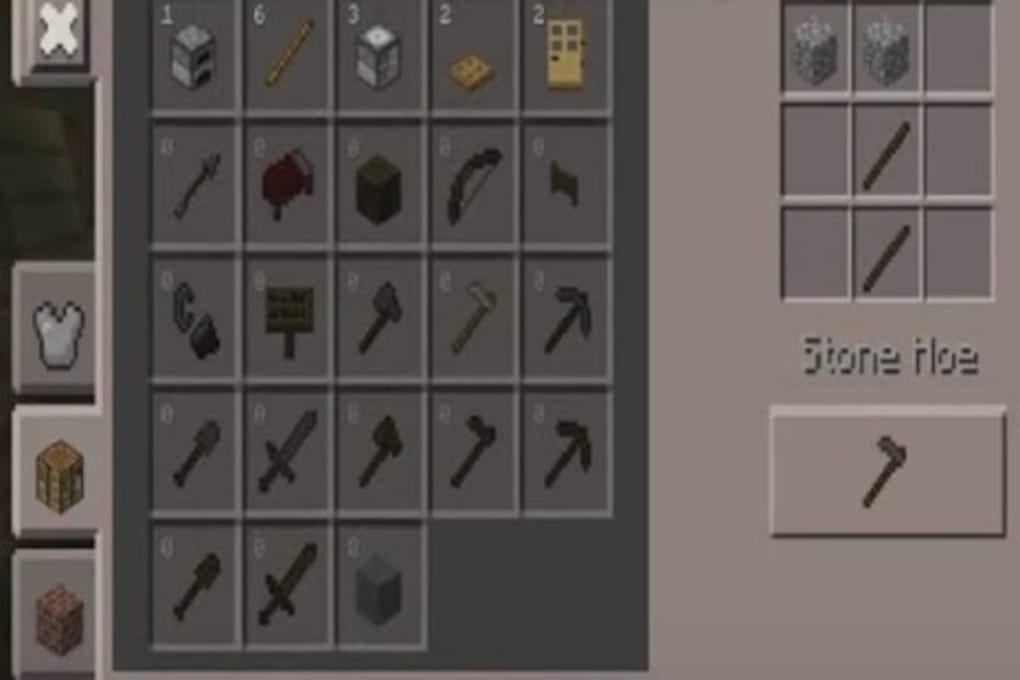
- Step-by-Step Guides – Provides clear instructions for building shelters, crafting tools, and creating redstone mechanisms.
- Resource Management Tips – Helps users optimize inventory use, prioritize materials, and plan long-term projects.
- English Language Interface – Fully accessible in English, ensuring clarity for international users.
- Offline Access – Content can be viewed without an internet connection, ideal for on-the-go use during gameplay.
These features support users in overcoming common challenges such as limited resources, dangerous mob encounters, and inefficient crafting. For example, a player can quickly reference the app to learn how to build a safe base or craft a diamond pickaxe efficiently. The app does not include interactive tutorials or video content, relying instead on text-based guidance. This makes it lightweight and fast to access, though it may not appeal to users seeking visual learning methods.
User Interface, Workflow & Performance
The user interface of Tips Minecraft Pocket Edition appears to follow a standard blog-style layout, likely featuring a scrollable feed of articles or categorized sections. Navigation is expected to be straightforward, with menu options or tabs to access different topics such as survival tips, crafting, or redstone. The app is designed for mobile use, so touch-based interaction is central to its workflow.
Workflow efficiency depends on how well the content is organized. If articles are tagged by difficulty level, game mode, or specific objectives, users can quickly locate relevant information. However, the developer did not specify the exact structure of the content or the depth of each entry. Performance observations are based on general software behavior patterns, as no technical benchmarks were provided.
The app runs on Android 4.3 or higher, which suggests it is optimized for older devices, contributing to stable operation. The developer did not specify resource usage details, so CPU and RAM behavior remain unknown. Stability is expected to be consistent for a static content app, but no real-world testing data was available at the time of publication.
Compatibility & System Requirements
Tips Minecraft Pocket Edition is compatible with Android 4.3 and above, ensuring broad accessibility across a range of devices. The current version is 1.0, indicating it may be in an early release stage or have limited updates. The app’s installation size is not specified, but as a content-focused application, it is likely to be lightweight.
Hardware requirements were not listed by the developer. The app does not require special permissions or high-end components, which aligns with its role as a static information tool. Platform compatibility information is limited to Android, with no indication of support for other operating systems such as iOS or desktop platforms.
Pros and Cons
Pros
- Free to download and use
- Available in English
- Offline access to content
- Lightweight and fast loading
- Targeted at Minecraft Pocket Edition players
Cons
- No visual or video content included
- Content depth and update frequency not specified
- Only available on Android
- Limited to text-based guidance
- Version 1.0 suggests minimal feature development
FAQ Section
Is Tips Minecraft Pocket Edition safe to download?
The app is available through Softonic, a third-party platform. While no malicious behavior was reported, users should ensure they download from trusted sources and review permissions before installation.
Can I use this app offline?
Yes, the app supports offline access to its content, allowing users to view tips and guides without an internet connection.
Does the app require an internet connection to function?
Once installed, the app does not require an internet connection to access stored content. However, updates or new content may require connectivity.
Is the app compatible with iOS devices?
Currently, the app is only available for Android. There is no information indicating support for iOS or other platforms.
What type of license does Tips Minecraft Pocket Edition have?
The app is described as free, meaning it is available at no cost. The exact licensing terms were not provided by the developer.
Final Thoughts
Tips Minecraft Pocket Edition offers a straightforward, no-frills resource for players of Minecraft: Pocket Edition. It fills a niche by delivering concise, text-based advice without the need for downloads, updates, or complex setup. While it lacks multimedia content and may not appeal to all users, its simplicity and accessibility make it a useful companion for those who prefer reading over watching tutorials.
Given its free nature, minimal system demands, and focus on a specific game, it is ideal for casual players seeking quick, reliable tips. The app’s limited version history and lack of detailed content structure suggest it may not be frequently updated, but for basic guidance, it remains functional.
Download Tips Minecraft Pocket Edition now and enhance your Minecraft experience with expert advice at your fingertips.





.png)

